How can Students Use AI in the Classroom
Students can use AI in the classroom as a tutor, study partner, brainstorming tool, feedback coach, research helper, and accessibility support when they follow teacher rules and academic honesty.
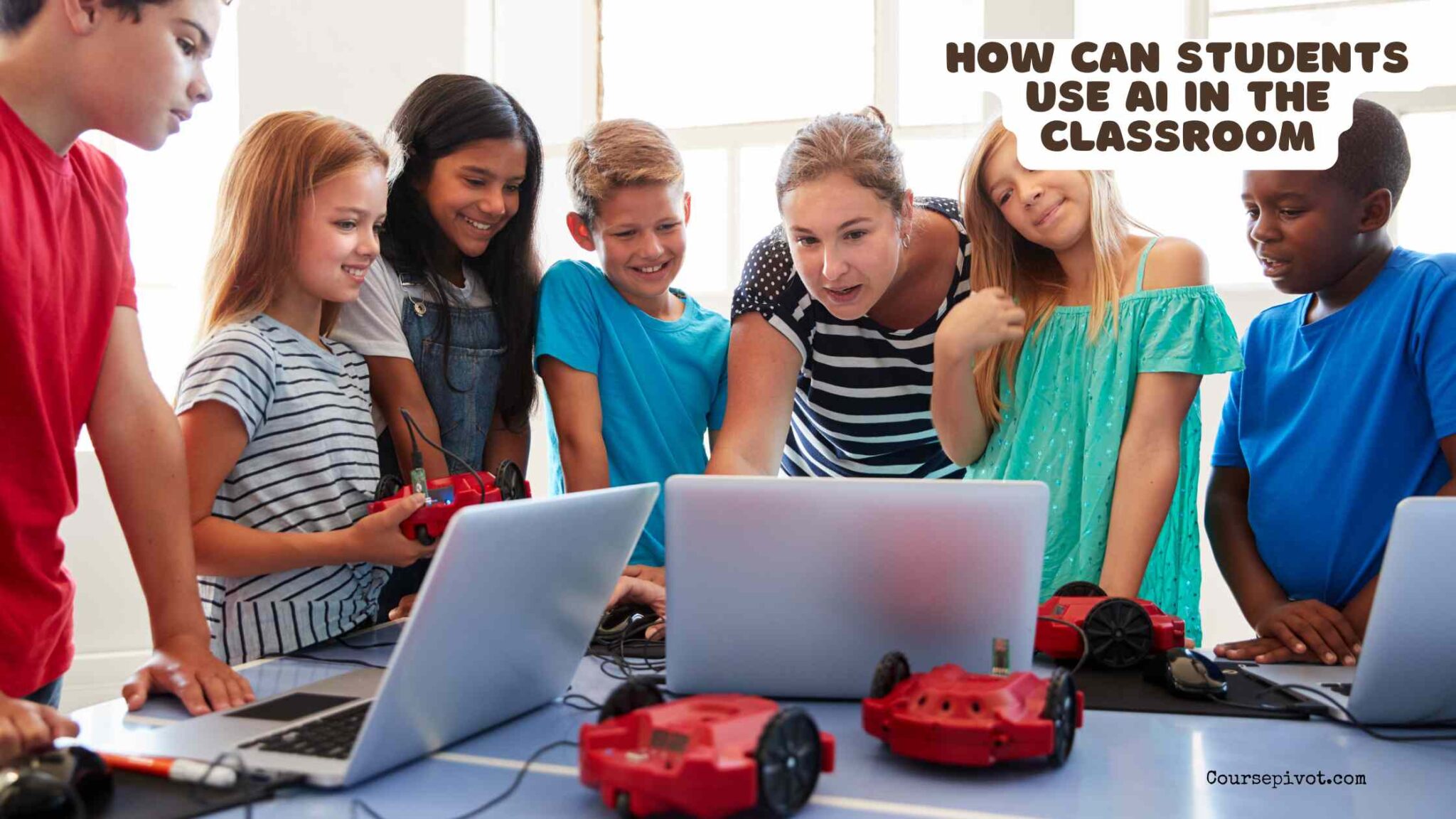
AI is becoming part of school life, but students need to use it wisely. In the classroom, AI can explain difficult ideas, create practice questions, help organize notes, suggest study plans, and give feedback. It can also create problems if students use it to cheat, copy answers, avoid thinking, or submit work they do not understand.
The best way to think about AI is simple: use it as a learning assistant, not as a replacement for your own effort. AI should help students think better, study smarter, and ask stronger questions, not hide the fact that they did not learn the material.
Before using AI for any class assignment, students should check the teacher’s rules. Some teachers allow AI for brainstorming but not final writing. Others allow it for tutoring, translation, coding help, or revision. If the rules are unclear, ask first.
Use AI as a Personal Tutor
One of the best classroom uses of AI is tutoring. A student can ask AI to explain a topic in simpler language, give examples, or break a confusing lesson into smaller steps.
For example, instead of asking AI to “do my homework,” a better prompt is: “Explain photosynthesis to me like I am in 8th grade, then ask me five questions to check whether I understand.” This turns AI into a practice partner rather than an answer machine.
Students can also ask AI to explain the same topic in different ways. If a textbook explanation feels too formal, AI can use analogies, diagrams described in words, examples from daily life, or step-by-step reasoning. This is especially useful when a student feels lost but is embarrassed to ask the same question again in class.
Use AI to Brainstorm Ideas Before Writing
AI can help students get unstuck at the beginning of an essay, presentation, project, or discussion post. It can suggest topic angles, questions to explore, possible outlines, and examples of how to organize ideas.
The important rule is that brainstorming is not the same as copying. Students should use AI suggestions as starting points, then choose, reject, combine, and rewrite ideas in their own words. A useful prompt might be: “Give me five possible angles for an essay about school uniforms, but do not write the essay for me.”
This approach can be especially helpful for students who struggle with academic writing. If writing feels difficult, the goal should be to use AI to understand structure, clarity, and planning, not to skip the thinking process. For more context, read why students struggle with academic writing.
Use AI to Improve Notes and Summaries
Students can use AI to turn messy notes into clearer study materials. For example, they can paste their own class notes and ask AI to organize them into headings, definitions, key points, and review questions.
This works best when the student provides the material first. If AI summarizes a topic without class notes, it may include information the teacher did not cover or miss what will actually appear on a test.
A strong classroom prompt might be: “Organize these notes into a study guide. Keep the original meaning, add short definitions, and create 10 review questions.” This helps students study more actively because they are reviewing, checking, and improving their own notes.
Use AI for Practice Questions and Self-Testing
AI can create quizzes, flashcards, practice problems, and discussion questions. This is one of the safest and most useful ways to use AI because the student still has to answer and learn.
For example, a student studying history could ask: “Create 10 multiple-choice questions about the causes of World War I, then wait for my answers before explaining what I got wrong.” A math student could ask for similar problems after learning a method in class.
Self-testing helps students find weak areas before the real exam. It also supports better study habits than simply rereading notes. If students care about improving performance, they should remember that grades are important not because they define a person, but because they can affect opportunities such as scholarships, programs, and academic progress.
Use AI to Get Feedback Without Losing Your Own Voice
AI can review a student’s draft and point out unclear sentences, weak organization, grammar issues, missing evidence, or places where the argument needs more support. This can be useful before submitting an essay or presentation.
However, students should be careful not to let AI rewrite everything in a voice that no longer sounds like them. A better prompt is: “Give me feedback on this paragraph. Tell me what is unclear, but do not rewrite it unless I ask.”
This keeps the student in control. The goal is not to make every sentence sound perfect. The goal is to make the student’s own thinking clearer, stronger, and easier to understand.
Use AI to Learn Research Skills
AI can help students understand a research topic, generate search terms, compare viewpoints, and identify questions they need to investigate. It can also explain the difference between a primary source, secondary source, scholarly article, opinion piece, and general website.
But students should not treat AI as a final source. AI tools can make mistakes, invent details, or present outdated information confidently. Students should verify facts using teacher-approved sources, textbooks, library databases, official websites, or credible publications.
A good research prompt is: “Help me create research questions about renewable energy for a school project. Also suggest what types of sources I should look for.” This teaches students how to search better without pretending AI itself is the evidence.
Use AI for Accessibility and Language Support
AI can support students who need help with reading level, language learning, organization, or studying in a different format. It can simplify complex passages, define unfamiliar words, translate short phrases, create outlines, or turn dense notes into easier review material.
This can be especially helpful for multilingual learners, students with learning differences, or students who need information presented step by step. Used responsibly, AI can make classroom materials more understandable.
Still, students should protect their privacy. They should not paste private information, grades, school records, personal addresses, classmates’ details, or sensitive family information into AI tools unless the school has approved that tool for such use.
Use AI Ethically and Transparently
The most important classroom skill is responsible use. Students should know when AI is allowed, when it must be cited, and when it crosses the line into cheating. If a teacher says the work must be done without AI, students should respect that rule.
Using AI dishonestly can lead to serious academic consequences. It can also weaken learning because the student may receive a grade without understanding the material. That problem connects directly to broader issues around why students plagiarize and the consequences of plagiarism for students.
Ethical AI use means being honest about the help received. It also means checking the work, adding original thought, and being able to explain every part of the final answer.
Final Thoughts
Students can use AI in the classroom for tutoring, brainstorming, notes, practice, feedback, research planning, accessibility, and study support. Used well, it can make learning more active and personal.
But AI should not replace effort, honesty, or teacher guidance. The smartest students will not be the ones who let AI think for them; they will be the ones who use AI to ask better questions and understand more deeply.
When in doubt, ask your teacher, cite or disclose AI help when required, verify important facts, and make sure the final work reflects what you actually understand.